How to model space travel with AI
Designing, developing and deploying a complex simulation with AI assistants
Are AI assistants just a fad, or can they truly help you build anything?
For the last few months, there's been a debate on whether these digital helpers are as powerful as they claim to be. The use case here is building a highly complex orbital simulator from scratch.
You've probably heard of (or even used) popular space simulation programs like STK, GMAT, Kerbal Space Program, and the classic Orbiter Space Flight Simulator.
These simulation systems are usually very heavy as they integrate multi-body perturbations, atmospheric drag, etc.
So the code for these systems is complex, but could we build something like this within 5 days? With some assistance from AI, yes.
This article does not go into the specifics of how such a system works. It is an analogy for how to build complex software with the help of AI.
Principles
The basis of being great at building software comes from the same principles, whether it is with the use of AI assistants or not. These principles, I believe, will just gain importance as we move into the future.
Build with purpose
Focus on the end goal and build a big vision. Make it actionable, then iterate.
Having a great vision is not something that comes all at once, unless you’re lucky. It’s something you perfect over time.
Keep your work under a compass. AIs can help you build this by creating flowcharts, maps, or summaries. But iterate on them.
Build with usability
Focus on the end usability. If you’re building something, build with the problem you’re solving in mind.
Assistants can help in clearing up what are the main problems. But more important is to talk with the people you’re solving the problems for in the first place.
Build with knowledge
Know about what you’re building and, especially, who you’re building for.
If there are things you need to learn, learn them fast. AI Assistants can help with that. Just type:
“Write me a tutorial on: {insert topic}”
The steps
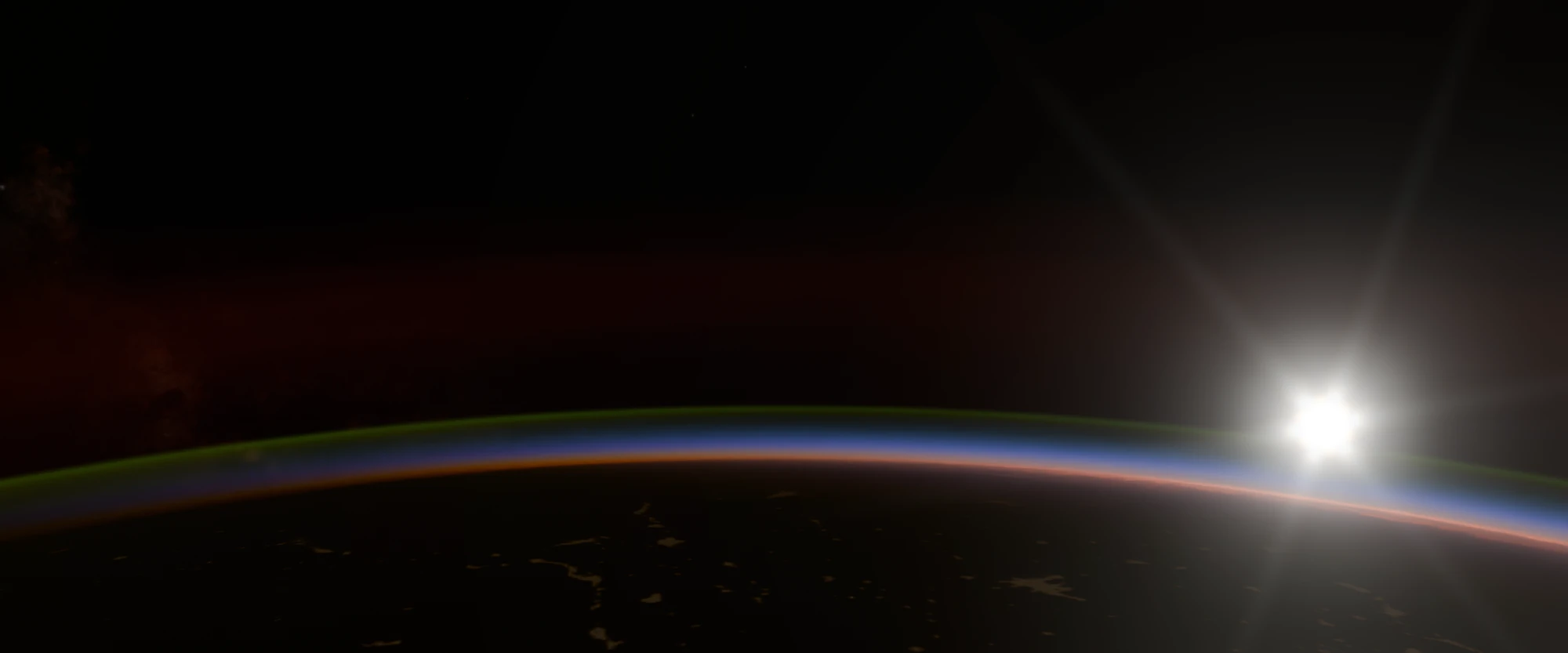
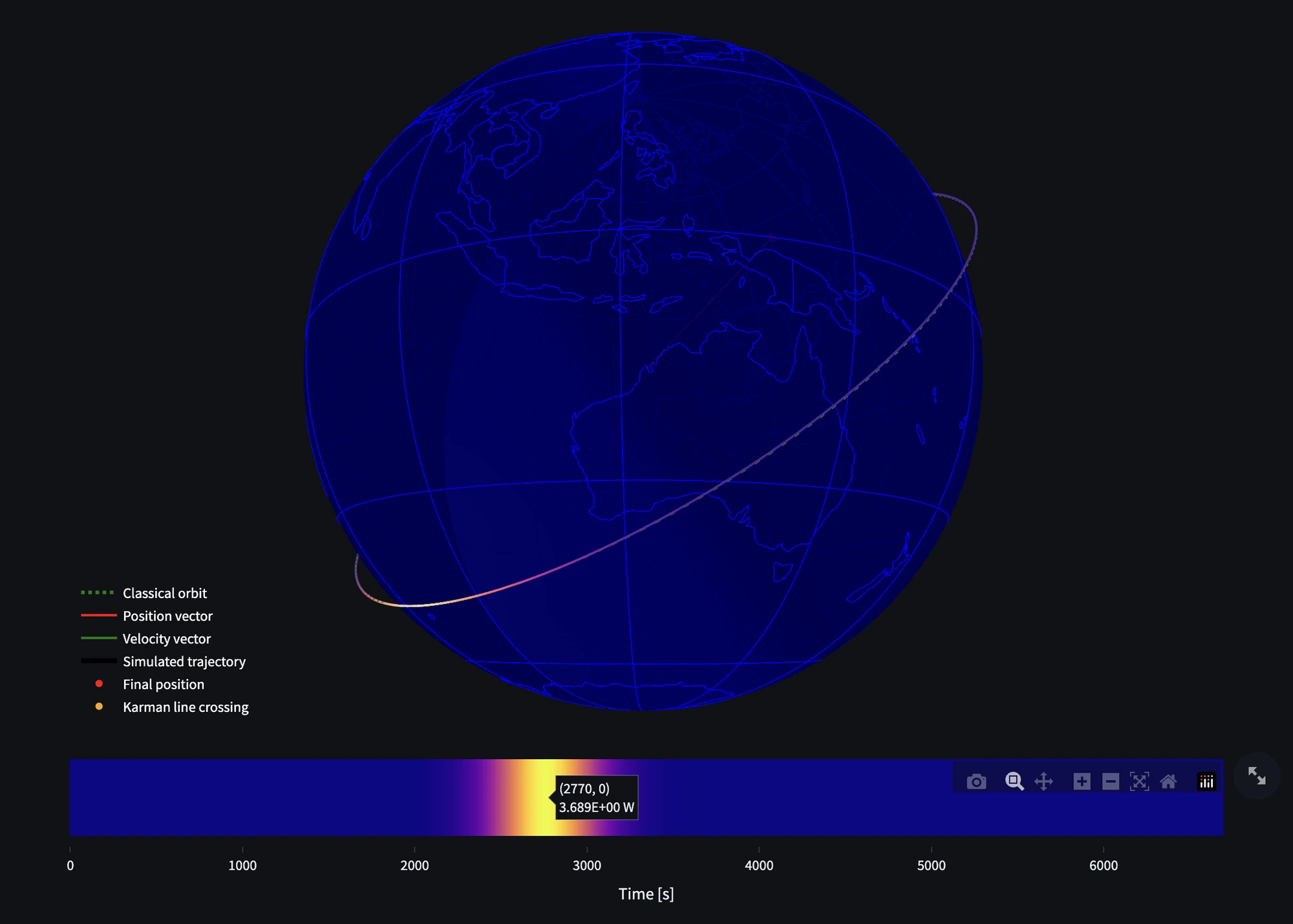
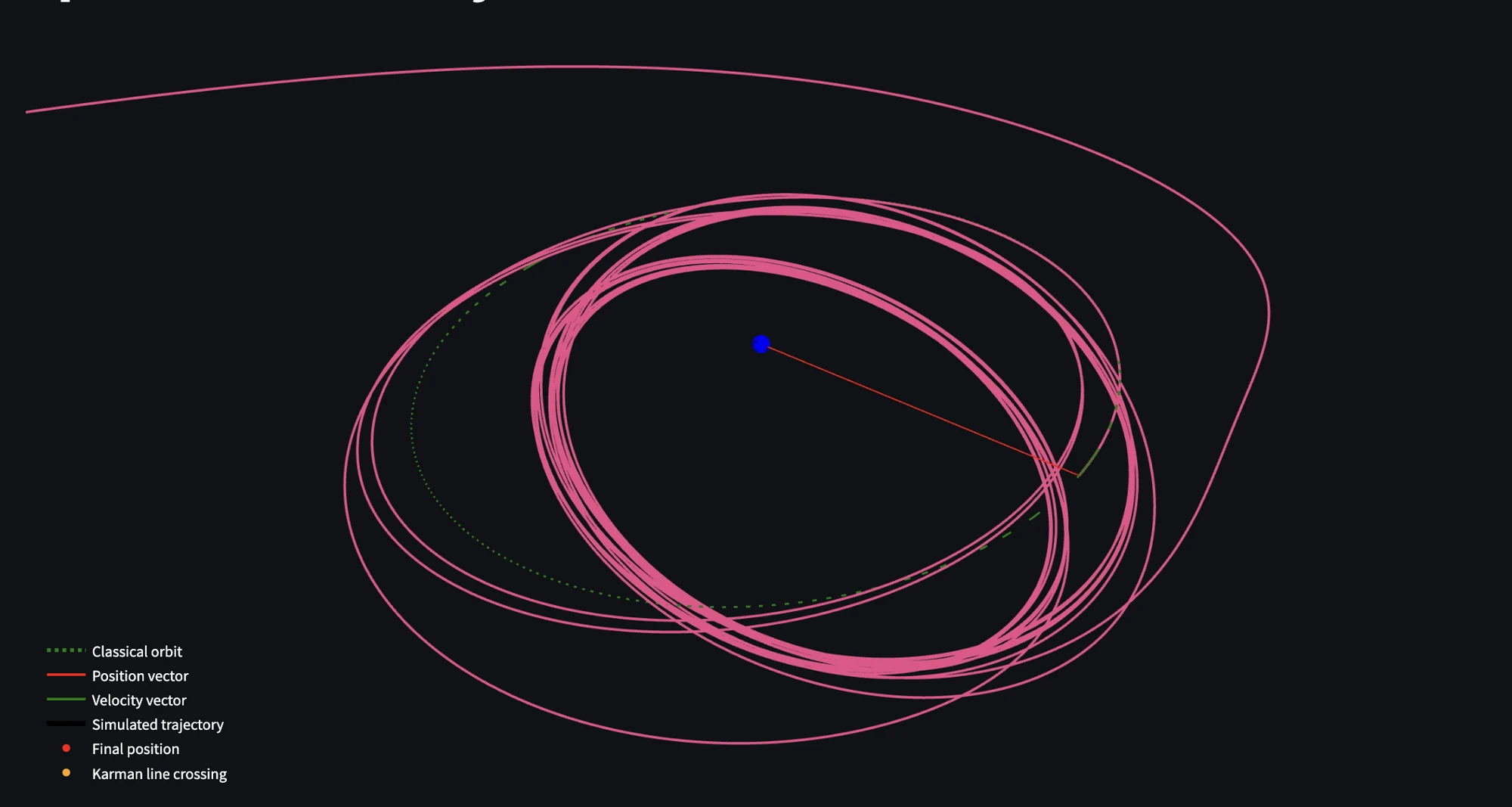
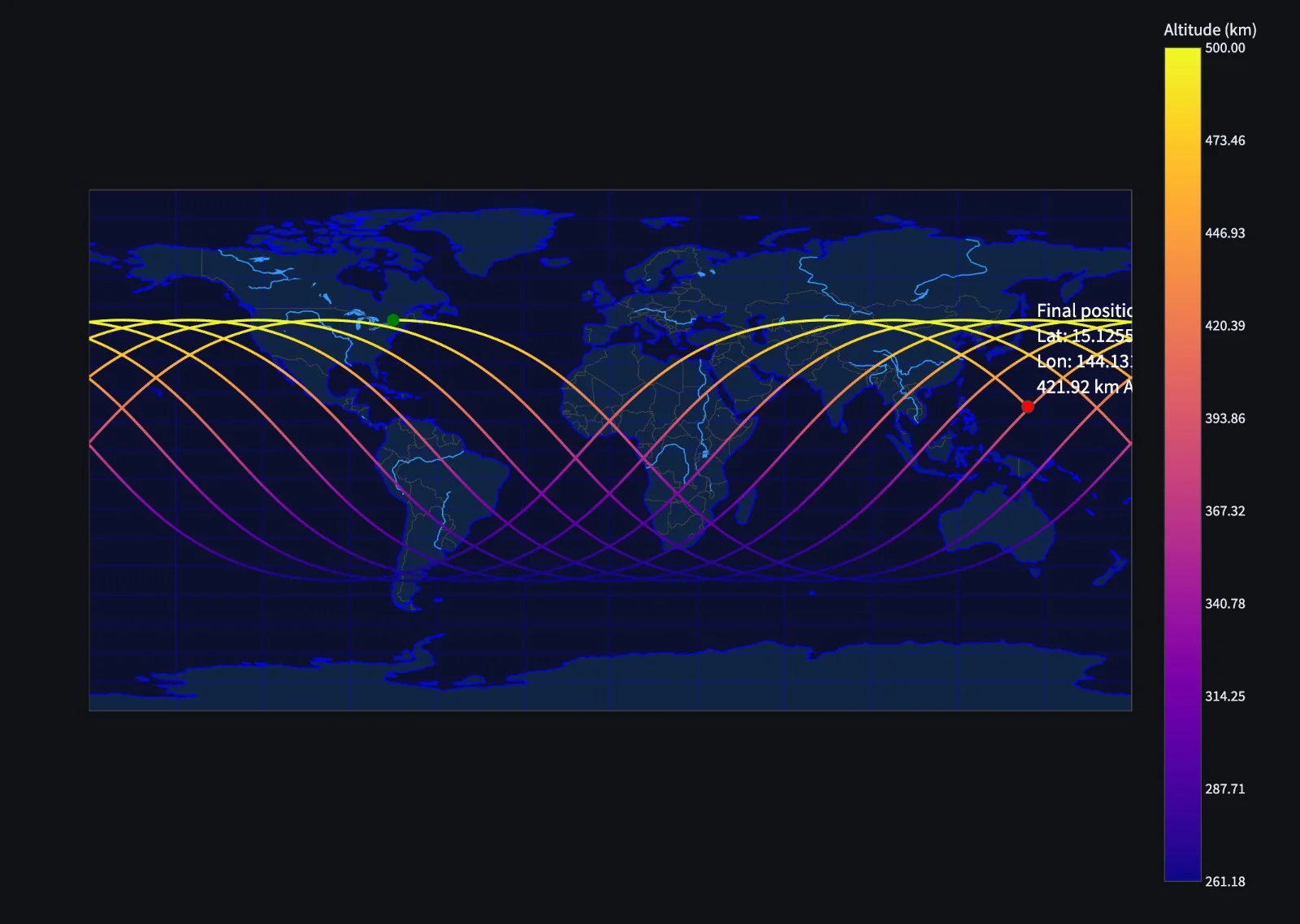
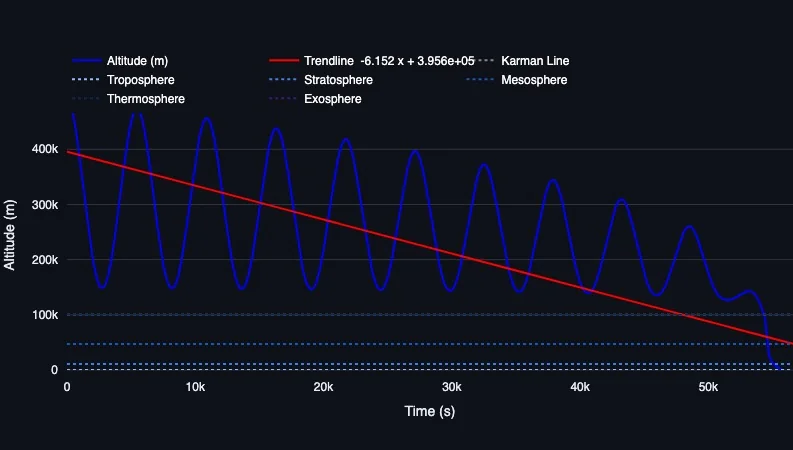
- Envisioning the product. I envisioned an orbital simulator capable of propagating spacecraft trajectories, detecting heating, drag, and reentry events, all while displaying complex visualizations in both 3D and 2D.
- Crafting the simulator pipeline. The goal was to use scipy's
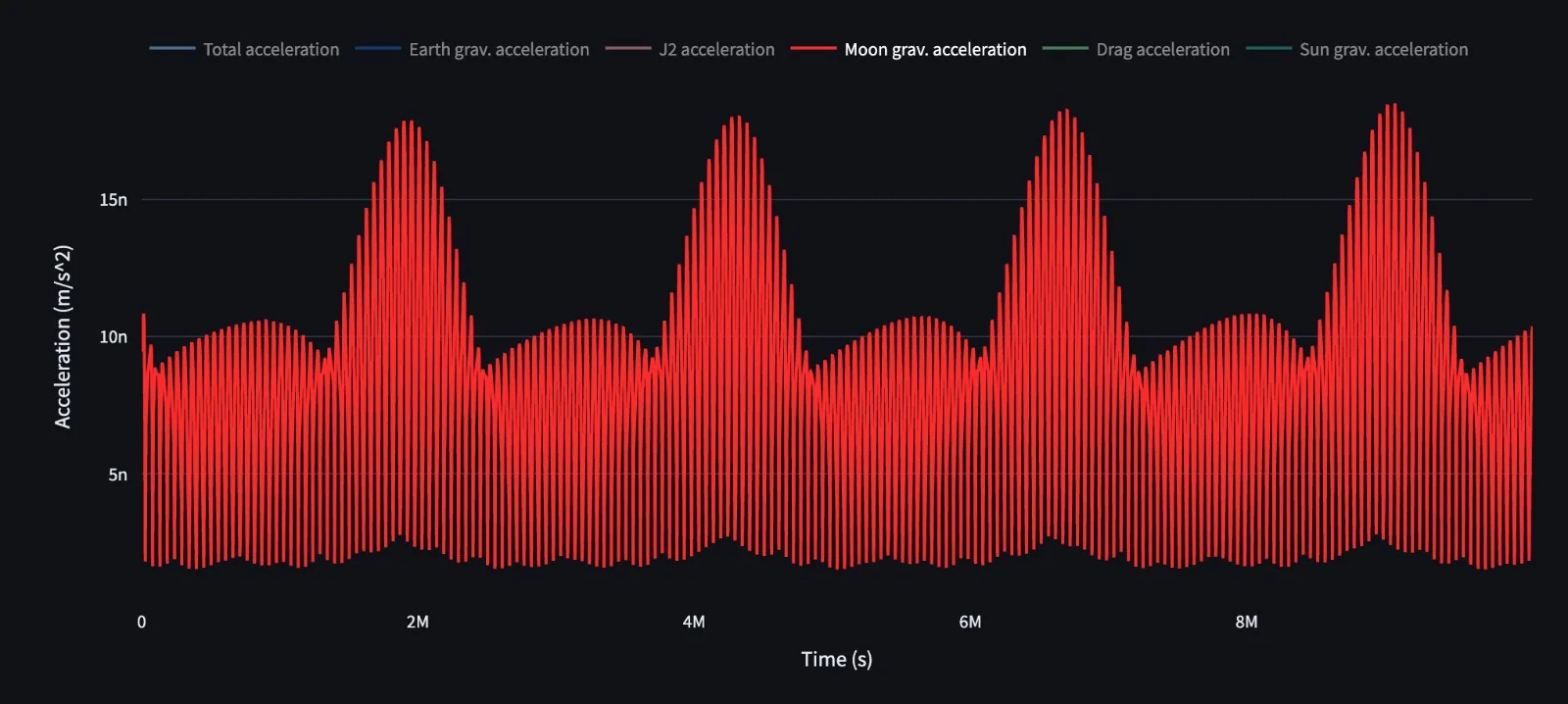
solve_ivpand iterate on an initial state vector through time. With each iteration, I computed various orbital perturbations, so I needed the system to be as lean as possible. - Physics modelling. I started with the astropy and poliastro libraries but ended up rebuilding the equations on my side, which increased performance over 10x.
- Visualization. I hacked Plotly like crazy to offer the best 3D experience possible in a low-code app like Streamlit. This included modeling Earth with its accurate physical properties, ephemerides, and various charts to break down data into comprehensible slices.

- Optimization. Using Python's high-performance numba compiler, I reduced processing times another 10x-50x, which made it suitable for running on Streamlit's cloud systems.
You can see and download the code in its repository. The online version is no longer public, and the project went on as a WebGL rewrite, Reentry_v2.